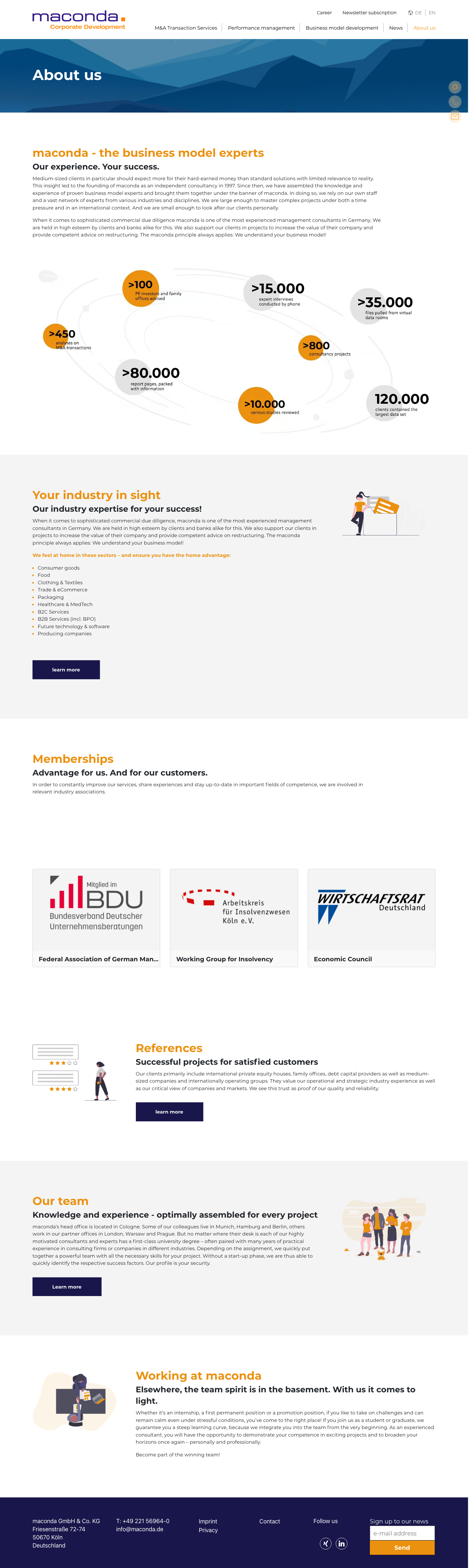
About us - Maconda
Meta & URL
- Meta-Titel
- About us - Maconda
- Meta-Beschreibung
- Über Uns Content
- Aktuelle URL
- https://www.maconda.de/en/ueber-uns/
- Vorgeschlagene URL
- /en/about/
- URL-Status
- 301 →
- 301 → Ziel
- /en/about/
- Wörteranzahl
- 965 Wörter
- noindex
- Nein
Dokumentstruktur (16 Überschriften)
- h1 About us
- h2 maconda - the business model experts
- h3 Our experience. Your success.
- h2 Your industry in sight
- h3 Our industry expertise for your success!
- h2 Memberships
- h3 Advantage for us. And for our customers.
- h3 Federal Association of German Management Consultants
- h3 Working Group for Insolvency
- h3 Economic Council
- h2 References
- h3 Successful projects for satisfied customers
- h2 Our team
- h3 Knowledge and experience - optimally assembled for every project
- h2 Working at maconda
- h3 Elsewhere, the team spirit is in the basement. With us it comes to light.
Komponenten (6)
- 1. page-banner default
Full-width top section with dark-blue mountain/wave background and H1 page title
- 2. content-section text-only
Reusable page section — H2 heading, optional H3 subheading, body text, optional illustration image, optional CTA button. The most-used component; appears multiple times per page. Heading is typically styled in brand orange/gold.
- 3. stats-strip image-graphic
Horizontal display of key numeric metrics (project count, mandates, etc.)
- 4. content-section with-image
Reusable page section — H2 heading, optional H3 subheading, body text, optional illustration image, optional CTA button. The most-used component; appears multiple times per page. Heading is typically styled in brand orange/gold.
- 5. logo-grid association-cards
Grid of client/partner logos, optionally grouped under category headings with introductory text
- 6. content-section with-image
Reusable page section — H2 heading, optional H3 subheading, body text, optional illustration image, optional CTA button. The most-used component; appears multiple times per page. Heading is typically styled in brand orange/gold.
Screenshot
In voller Größe öffnen ↗